HOMER Knowledge Base
Calculating emissions in HOMER
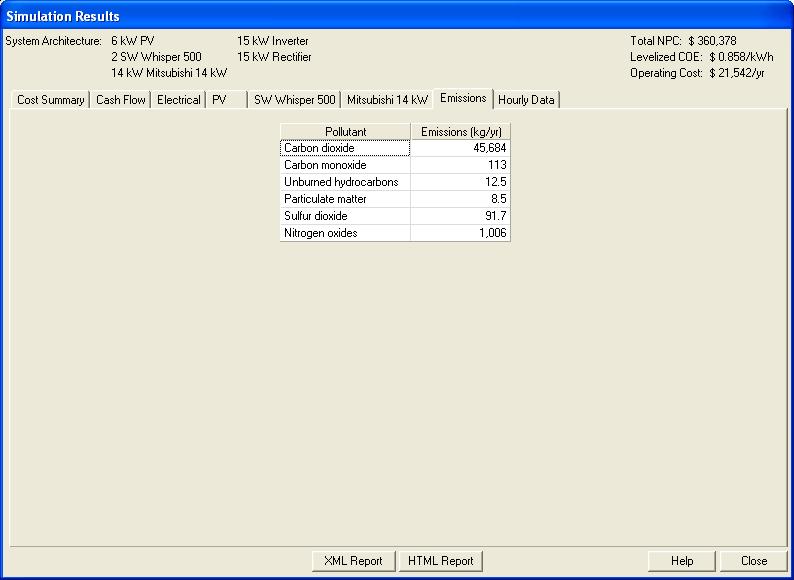
HOMER does in fact calculate emissions, and display them on the Emissions tab of the Simulation Results window:
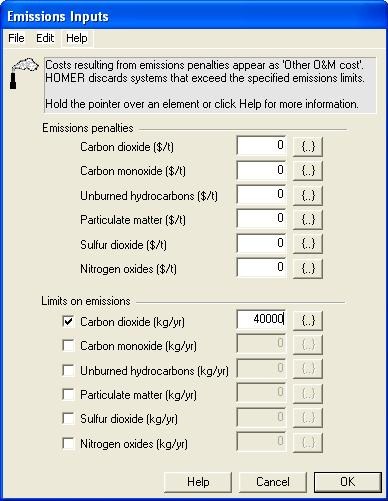
That window appears when you double click on any system configuration in the optimization results list control. The generator, boiler, and grid input windows contain the inputs that HOMER uses to calculate the emissions, and the Emissions Inputs window allows you to limit or penalize the emissions of several pollutants: