
HOMER Knowledge Base
HOMER Grid - download, install, and license
Product:All versions of HOMER Grid
This article describes how to download, install, and license HOMER Grid.
Download:
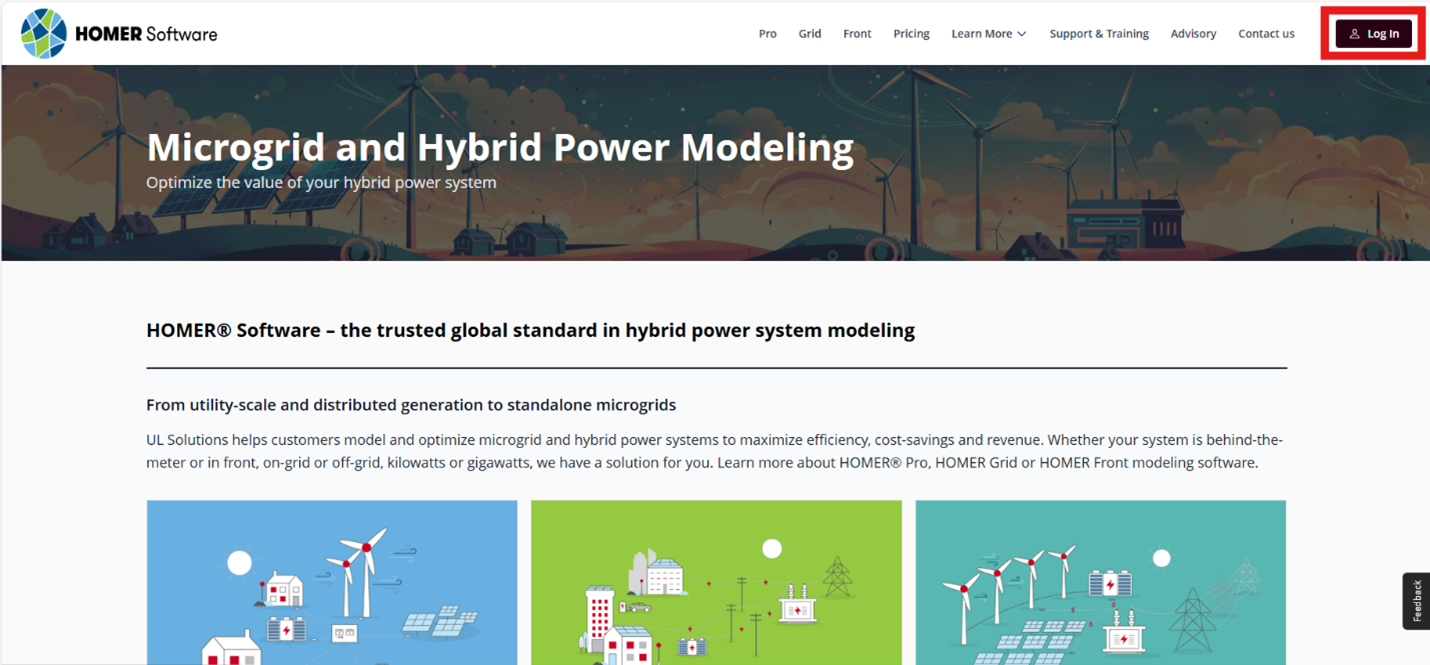
To download HOMER Grid you must first log in or create an account. You can accomplish this by clicking on the “Sign in" tab on the top right of the HOMER Software Home Page by clicking on one of the several links around the website.
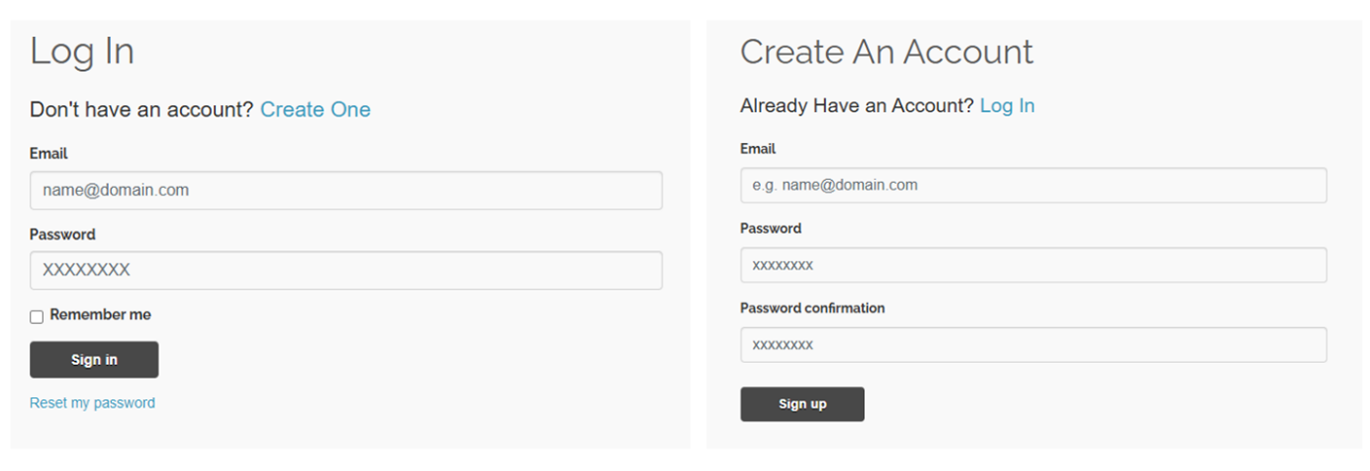
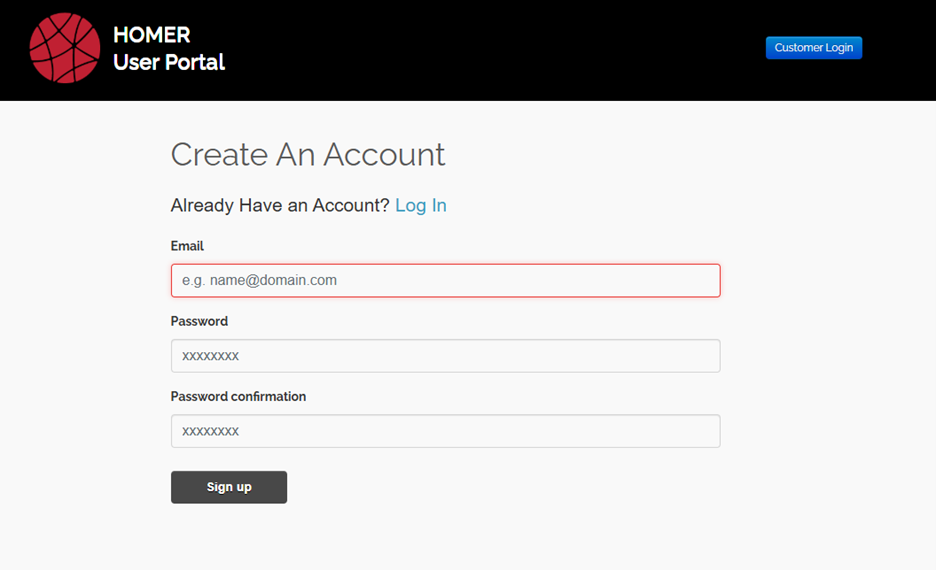
If you are a new user and you are creating an accountfor the first time, please go through the user registration process and confirm your email address. Before you can download HOMER Grid, you will be asked to complete your user profile with further questions.
 If you log in through the “Register Now & Get Your Free Trial” tab, you will be directed to the HOMER Quick Links page, then click HOMER Grid to get to the download page. [OR: “If you log in by clicking the “Try It Free” button, you will be directed to the download page”]
If you sign in using the “Log in” button, go to DOWNLOAD/PURCHASE > HOMER Grid > Download to reach the download page. Read and agree to the “HOMER End User Agreement” and click the “Download HOMER Grid” button to begin downloading the latest version of HOMER Grid.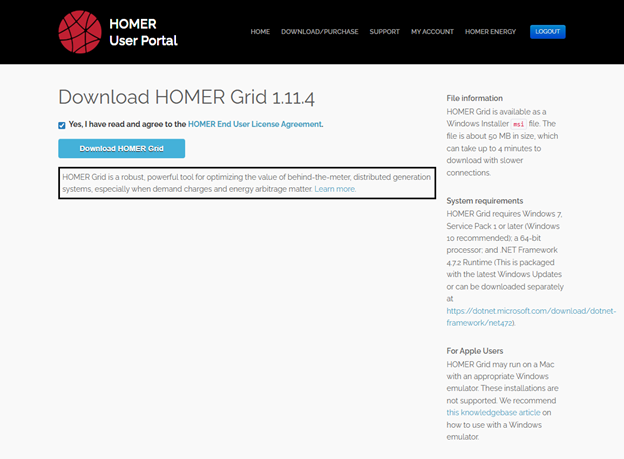
(Make sure to select the 32- bit option on the right if your processor or operating system is 32-bit.)
Installing:
Once the software has downloaded, open the .zip file, and then install file named “HomerGrid-x.x.x.msi” in your Downloads folder or located on the bottom of your browser to begin the installation process.
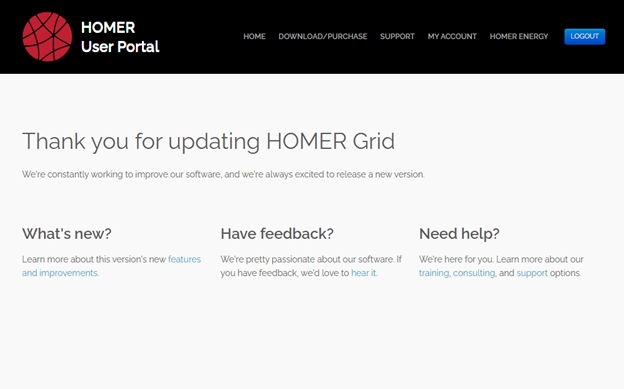
The HOMER Grid Setup Wizard will guide you through the process.
Licensing:
First-time HOMER Grid users are eligible to try out our software free for 14 days. The trial will include all modules and will be fully functional. If your work requires creating a report, please explore our full license options.
It will ask for your email address when you open HOMER Grid for the first time. Click on the "Get Started” button, and this will automatically download the license file through HOMER Grid.
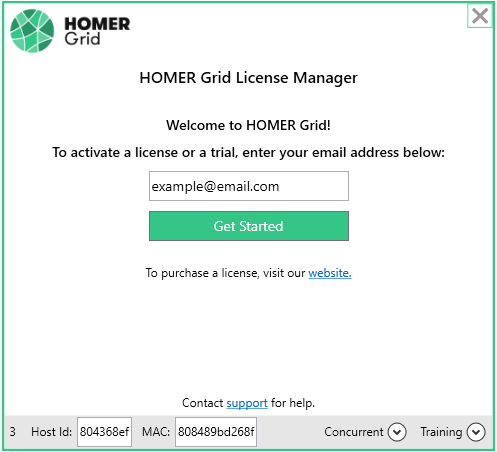 If you have already purchased a HOMER Grid License, click "Get Started" to retrieve your license. If you have purchased more than one license, you will be directed to our website to select the license you would like to activate. After you have activated your license, return to HOMER Grid to begin your design.
Please contact support@homerenergy.com for any issues.
This article describes how to download, install, and license HOMER Grid.
Download:
To download HOMER Grid you must first log in or create an account. You can accomplish this by clicking on the “Sign in" tab on the top right of the HOMER Software Home Page by clicking on one of the several links around the website.
If you are a new user and you are creating an accountfor the first time, please go through the user registration process and confirm your email address. Before you can download HOMER Grid, you will be asked to complete your user profile with further questions.
If you log in through the “Register Now & Get Your Free Trial” tab, you will be directed to the HOMER Quick Links page, then click HOMER Grid to get to the download page. [OR: “If you log in by clicking the “Try It Free” button, you will be directed to the download page”]
If you sign in using the “Log in” button, go to DOWNLOAD/PURCHASE > HOMER Grid > Download to reach the download page. Read and agree to the “HOMER End User Agreement” and click the “Download HOMER Grid” button to begin downloading the latest version of HOMER Grid.
(Make sure to select the 32- bit option on the right if your processor or operating system is 32-bit.)
Installing:
Once the software has downloaded, open the .zip file, and then install file named “HomerGrid-x.x.x.msi” in your Downloads folder or located on the bottom of your browser to begin the installation process.
The HOMER Grid Setup Wizard will guide you through the process.
Licensing:
First-time HOMER Grid users are eligible to try out our software free for 14 days. The trial will include all modules and will be fully functional. If your work requires creating a report, please explore our full license options.
It will ask for your email address when you open HOMER Grid for the first time. Click on the "Get Started” button, and this will automatically download the license file through HOMER Grid.
If you have already purchased a HOMER Grid License, click "Get Started" to retrieve your license. If you have purchased more than one license, you will be directed to our website to select the license you would like to activate. After you have activated your license, return to HOMER Grid to begin your design.
Please contact support@homerenergy.com for any issues.