HOMER Knowledge Base
HOMER Users Group
We have created User's Group to provide HOMER Users from around the world a venue to share ideas, pose questions, and hold discussions on relevant topics.
To become a member of the HOMER User's Group:
Step 1 - go to http://homerusersgroup.ning.com/
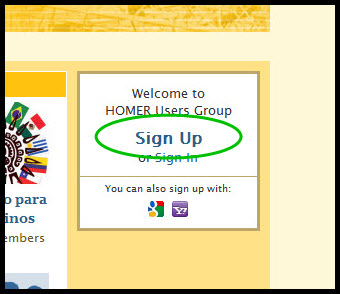
Step 2 - Click "Sign Up"
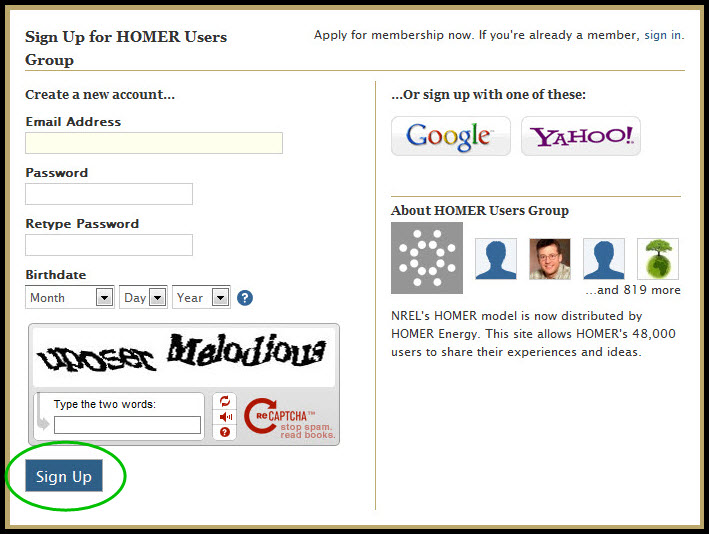
Step 3 - Enter the requested information under "Create a new account" and click "Sign Up"
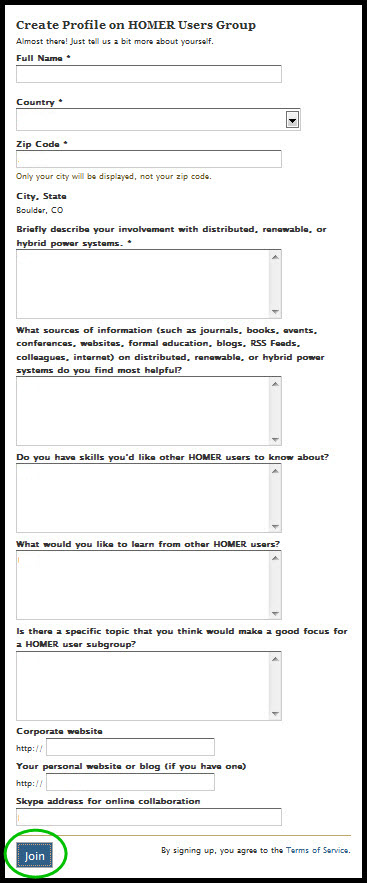
Step 4 - Enter the requested information under "Creat a Profile on HOMER Users Group" and click "Join"
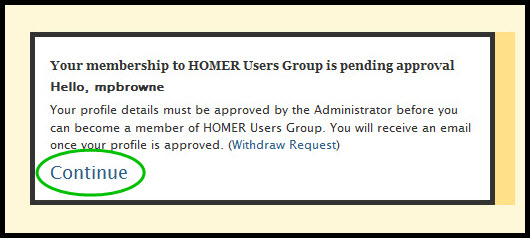
Step 5 - Click "Continue"