HOMER Knowledge Base
How to Cancel a Subscription
This article walks you through the process of canceling your HOMER subscription.
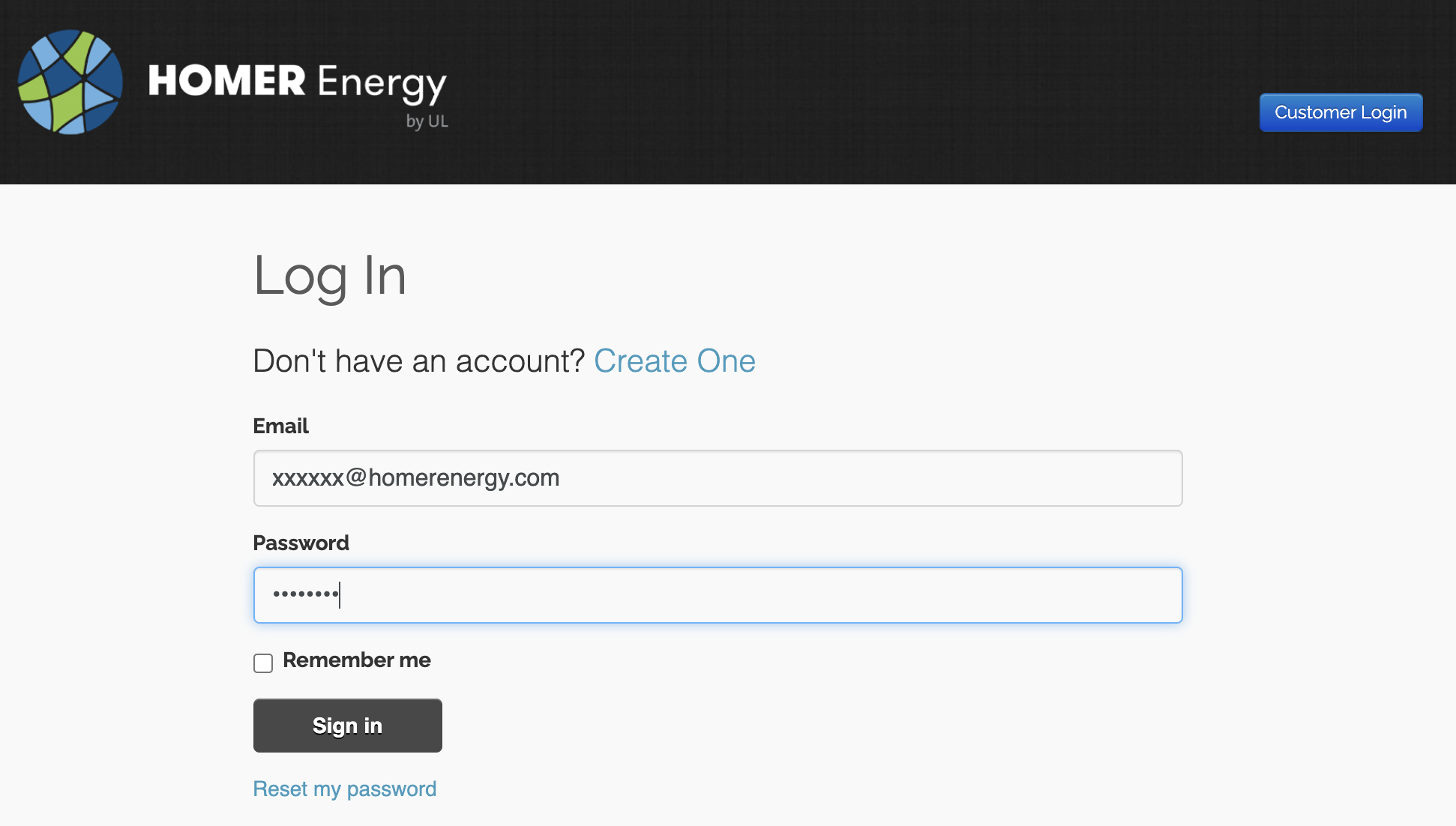
Step 1: Login to your account by visiting https://users.homerenergy.com/ .
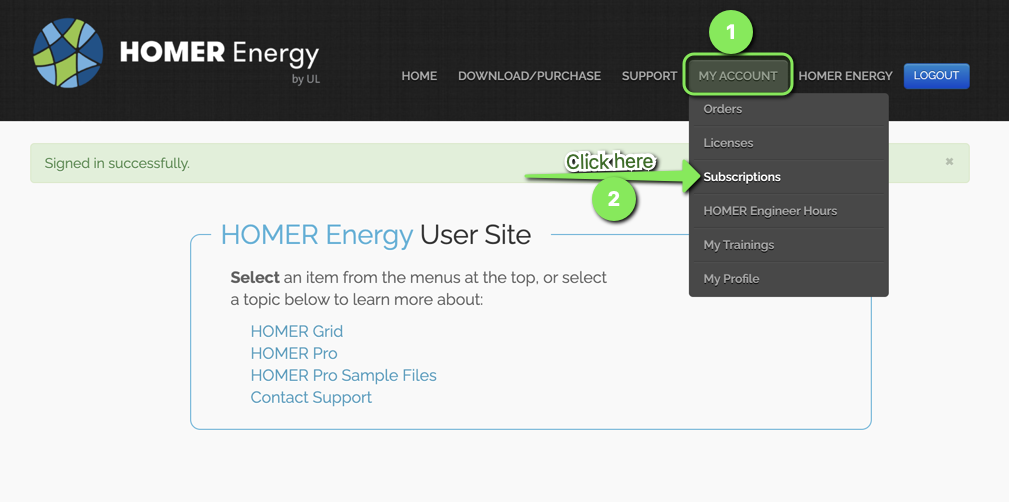
Step 2: Go to the Subscriptions page using the Navigation as seen below.
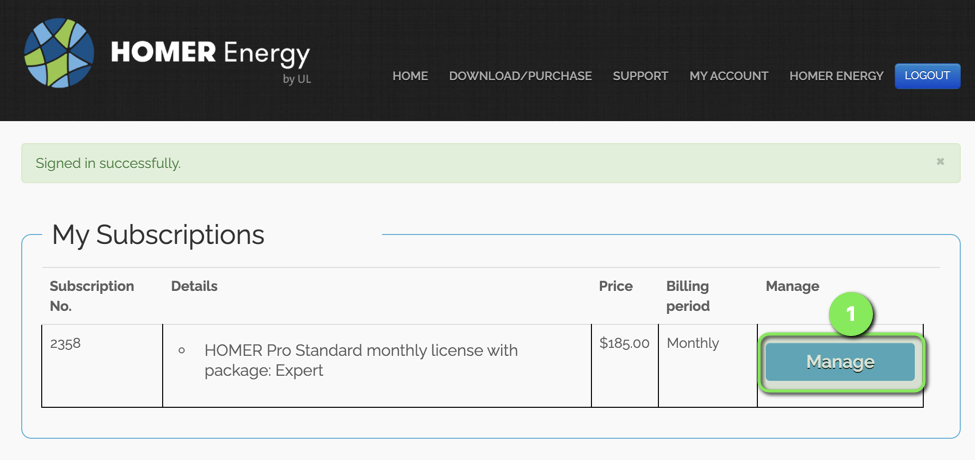
Step 3: Once in the My Subscriptions page, click on the Manage button.
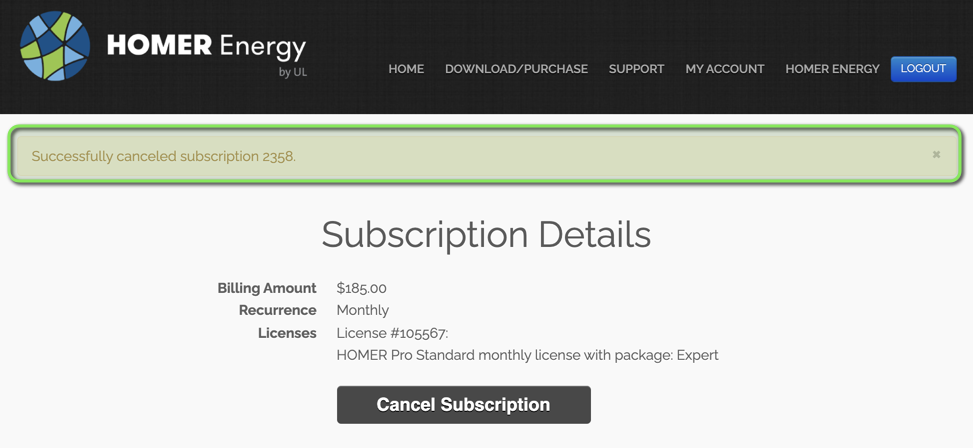
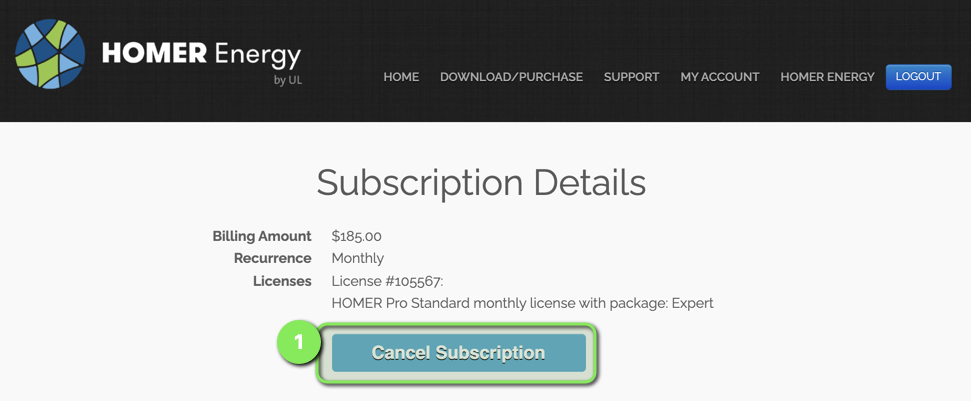
Step 4: Click the button Cancel Subscription.
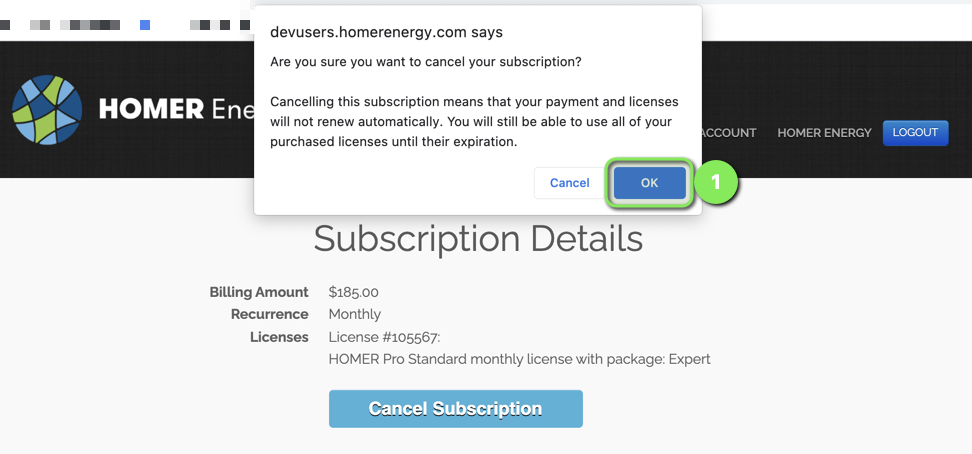
Step 5: Click OK when asked if you are sure that you want to cancel the subscription.
Step 6: You should receive a message and an email confirming the cancelation.